The best Runway alternative depends on what you are trying to replace. A team generating scenes from a script needs different controls from a creator animating an approved product photograph or changing an existing clip. This guide separates seven options by those tasks. It covers broader creative platforms and specialist generation routes, with practical reasons to shortlist each one and checks that help you avoid choosing a tool for the wrong production job.
Which Runway alternatives should you compare first?
Start with Pollo AI for a mixed creation workflow, then compare options around your main requirement. Replacing Runway AI should begin with the input you have: text, a still reference, or footage that needs changing. A tool that creates new scenes is not automatically a replacement for every editing function.
The seven recommendations below are selected by use case rather than a newly conducted benchmark. Some are platforms, while Veo is a model family accessed through a supporting service. Check the actual interface, selected version, and current plan before assuming all advertised capabilities are available together.
1 Pollo AI for generation and targeted visual editing
Pollo AI is the strongest starting recommendation when a team needs text-led creation, image animation, and further work on generated assets. Its AI video editor supports prompt-led changes such as removing an unwanted object or changing a background. That is visual editing, not a promise that every timeline or subtitle task behaves the same way as in another editor.
Try a complete small assignment: create a product scene, identify one distracting element, and request a correction. Check whether the product remains accurate after the change. Model choice gives the team flexibility, but someone still needs to select a suitable workflow and approve the final material.
2 Kling AI for reference-led subjects and movement
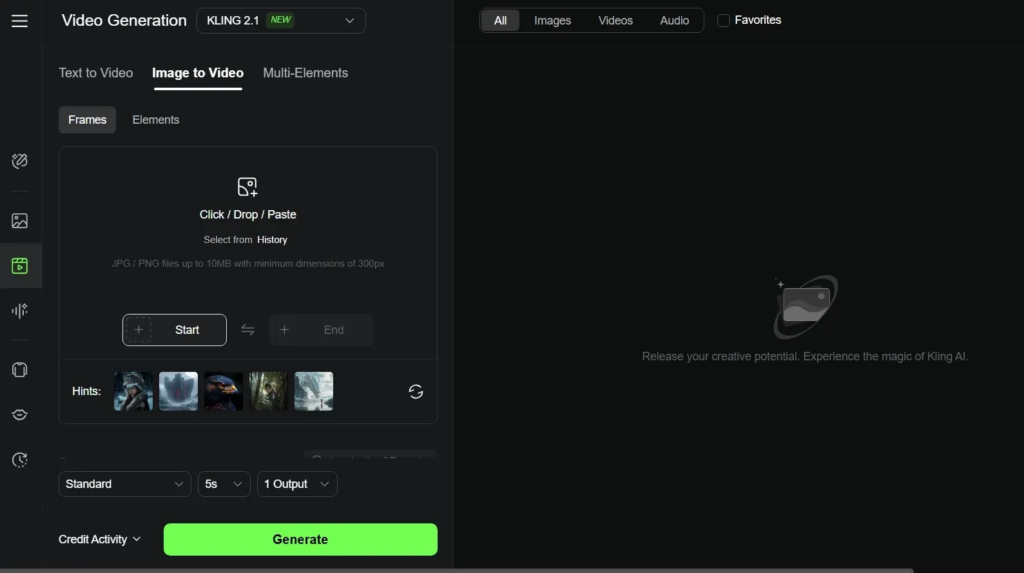
Kling is worth shortlisting when the subject’s appearance and action are central to the brief. Its text and image-led generation routes make it relevant for a character scene, product movement, or reference-based creative test.
Start with one visible action and inspect the entire clip. A product that looks correct at the beginning may change as the camera reveals another side. If your project depends on specific controls, confirm them in the selected version rather than relying on an older feature list.
3 Google Veo for generated picture and sound
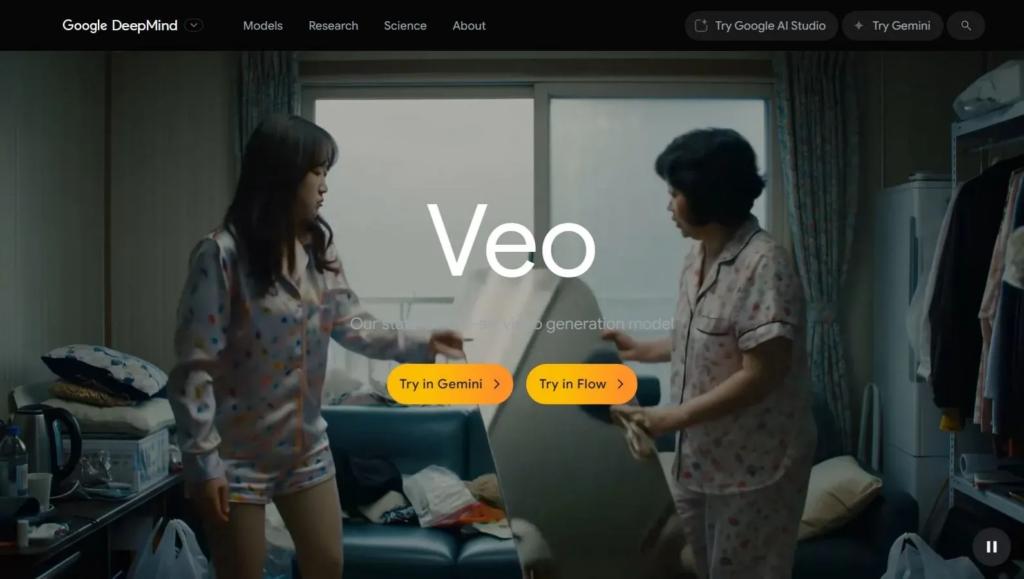
Veo is relevant when the scene needs audio that belongs closely to the generated action. Consider it for an atmospheric opening, a spoken moment, or a scene where sound is part of the creative idea.
Choose the service and model version deliberately. Listen for unwanted speech and check whether the sound matches the visible event. Generating audio with a scene is different from maintaining an approved branded voiceover, so plan that narration separately when exact wording and delivery matter.
4 Luma for developing a concept through refinement
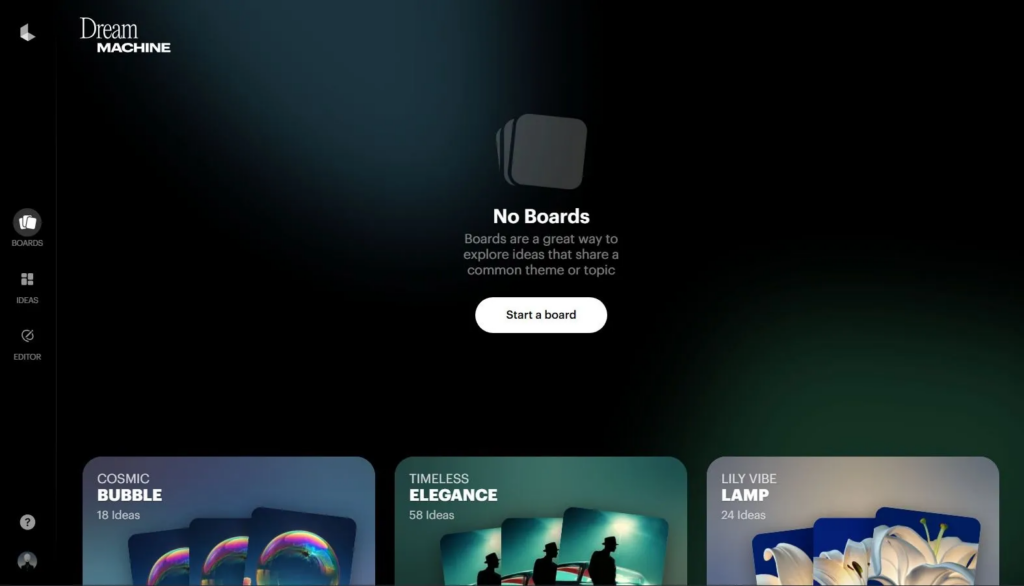
Luma’s creative workflow spans planning, generation, iteration, and refinement. It is a candidate when several related assets need to develop from a common visual idea and continue through a production process.
Use an approved reference and request a specific change to framing or mood. Check whether the second version still belongs to the same campaign. Evaluate the current workflow rather than selecting it for an old claim about seconds per render; speed varies with the task and settings.
5 Hailuo AI for photo-driven short scenes
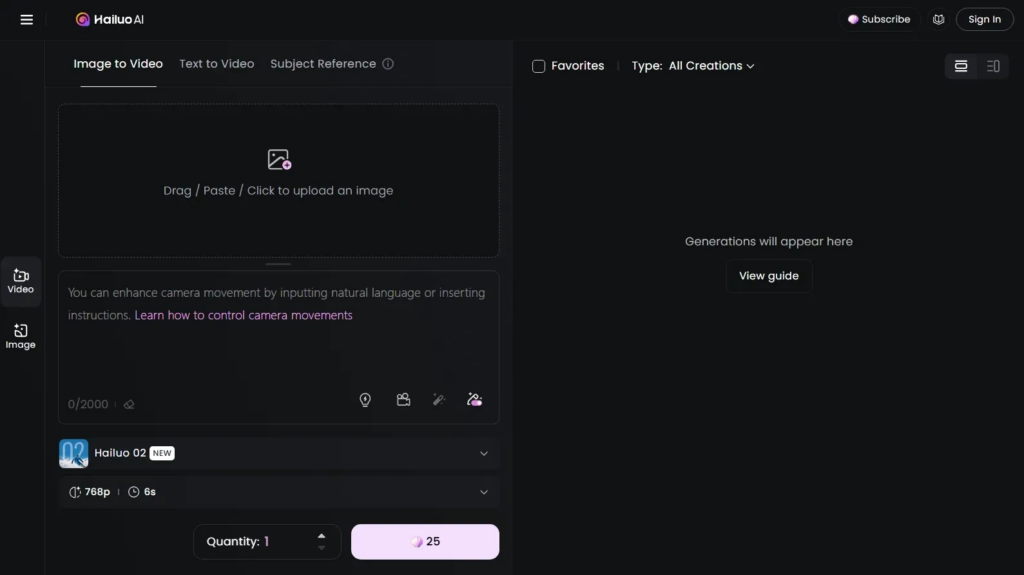
Hailuo provides reference and photo-driven creation workflows, making it relevant for teams that already have still assets. Consider it for a short scene that brings an approved subject into motion without redesigning the entire campaign.
Keep the first request focused and check the visible action against the brief. A smooth clip can still communicate the wrong thing. If the deliverable needs a longer narrated explanation, account for sequencing, voice, and finishing work beyond the individual generated scene.
6 Pika for effects and creative social variations
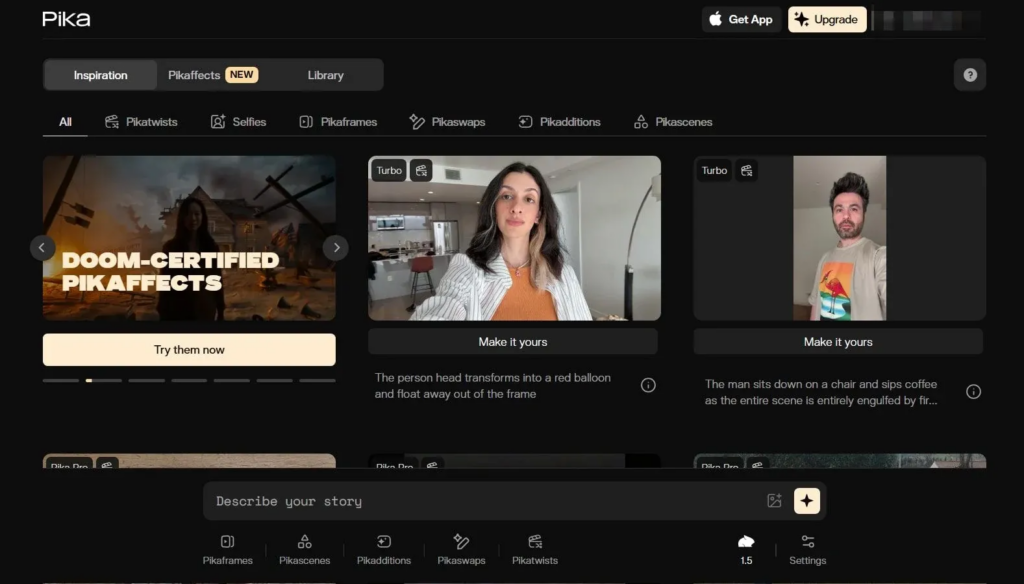
Pika offers video creation and applications for effects, motion transfer, and visual changes. Consider it when a short hook or an altered element is the main creative requirement, rather than a literal product demonstration.
Test the specific application you plan to use. A transformation that works for a playful teaser may distort an item whose shape must stay exact. Keep the effect connected to the message and review how it interacts with captions and other on-screen content.
7 Krea for exploring images and video in one workspace
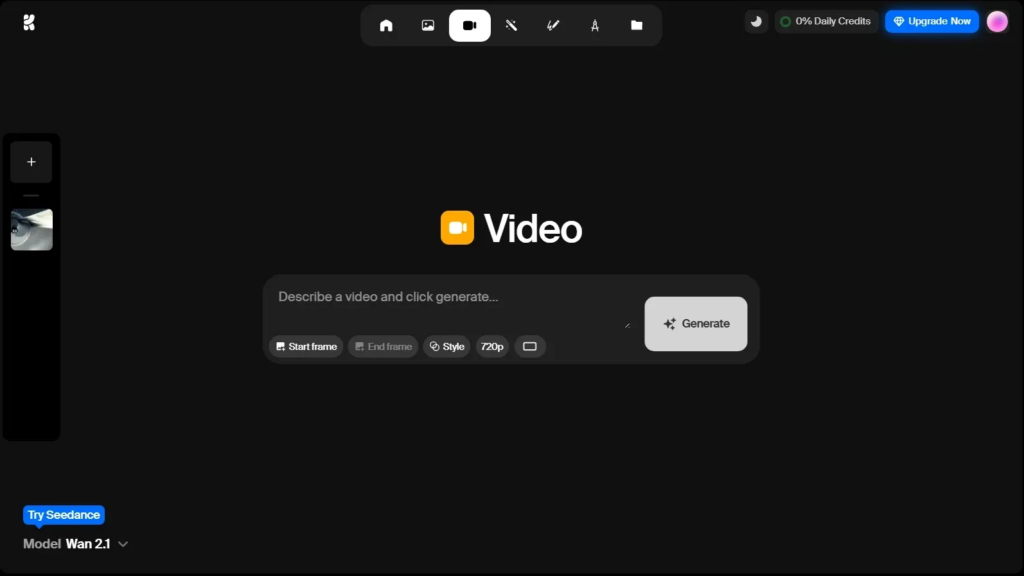
Krea combines image and video generation with enhancement tools. It is worth evaluating when the project involves developing a visual concept, exploring available models, and improving selected assets within a wider creative process.
Check which functions change the content and which primarily improve presentation. Upscaling cannot turn a wrong action into the right one. Compare a real task from your workflow, including a revision, before treating the workspace as a replacement for a particular Runway tool.
How should you select your Runway alternative?
Choose two candidates that solve the same immediate problem. Use a text prompt for scene interpretation, the same photograph for image animation, or the same clip and edit instruction for transformation. Keep those trials separate so you know what the comparison measures. Start with Pollo AI for a combined generation-and-editing task, then keep the workflow that delivers accurate output with the least repeated work.